

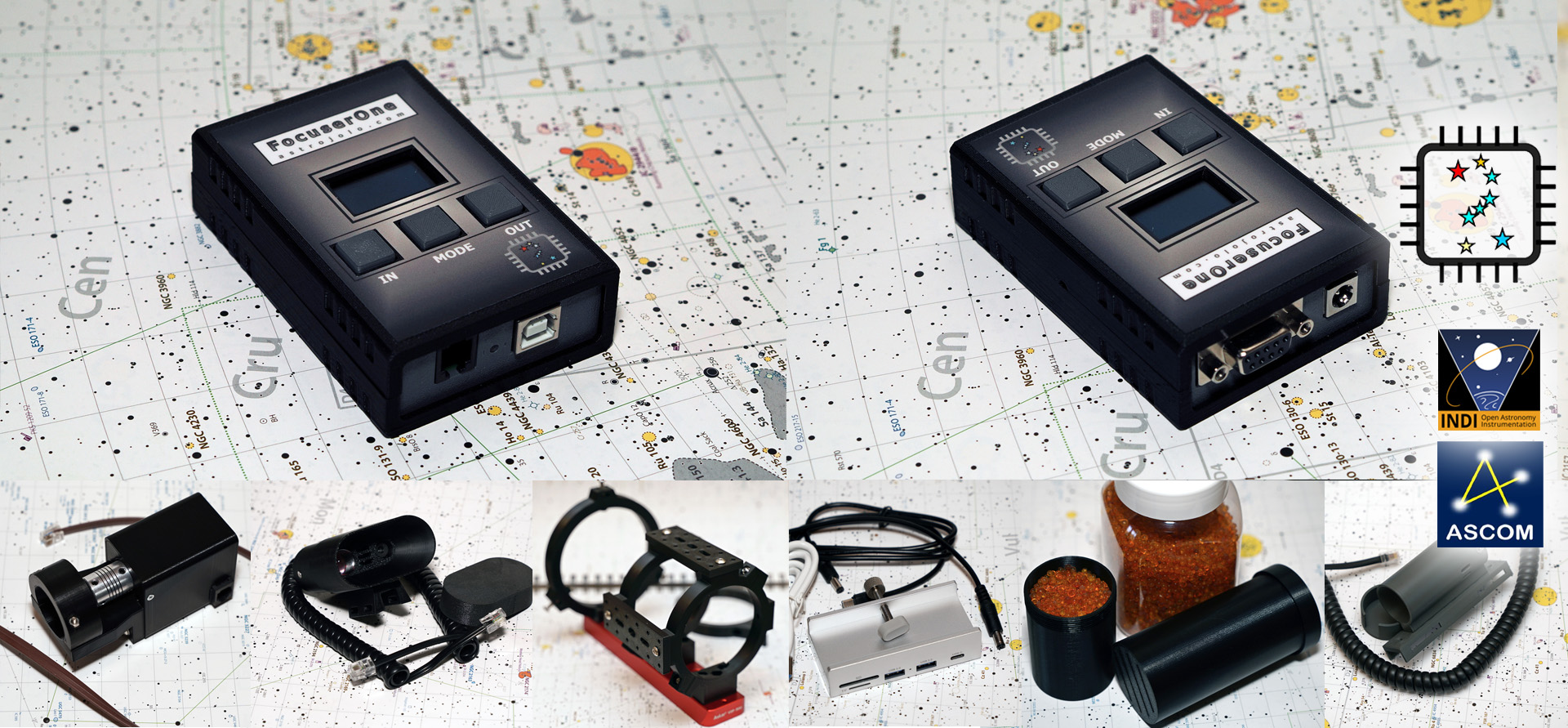
🎯 FocuserOne v3 – Key Features
FocuserOne is a dedicated telescope focuser controller for visual observing and astrophotography. The new v3 combines an STM32 microcontroller with a TMC2209 stepper motor driver and joins the unified AstroLink software family.
Control your focuser using the built-in buttons, AstroLink 4 Panel, or your preferred ASCOM-compatible imaging application.
- ⚙️ STM32-based electronics with a TMC2209 stepper motor driver
- 🎯 Full-step, 1/8 and 1/32 microstepping modes
- 🔧 Adjustable motor settings, including speed, direction, running current and holding current
- 🌡️ Temperature compensation with an optional temperature and humidity sensor
- 🔄 Persistent focuser position memory
- 🖐️ Built-in buttons for manual focusing
- 🖥️ AstroLink 4 Panel integration for configuration, monitoring and control
- 🔭 ASCOM 7 support for integration with imaging software
🛠️ Flexible Focuser Control
Configure the motor settings to suit your focuser mechanics. Select the stepping mode, adjust movement speed and motor current, and set the maximum travel position. Direction reversal lets you match the controls to your installation.
Running and holding currents are configured separately, allowing you to balance motor torque and power consumption while moving and at rest.
Focuser position is stored in non-volatile memory and restored when the controller starts.
🌡️ Temperature Compensation
With the optional temperature and humidity sensor connected, FocuserOne can compensate for focus changes as the ambient temperature varies.
Compensation runs in the controller using a configurable coefficient. Automatic and manually triggered compensation modes let you choose how corrections are applied. The correction threshold and update interval can be adjusted to suit your setup.
AstroLink 4 Panel also provides a compensation calculator to help determine the coefficient for your telescope.
📊 Monitoring with AstroLink 4 Panel
FocuserOne v3 uses the same control panel as other supported AstroLink devices, bringing focuser control, configuration and monitoring into one application.
- Monitor focuser position and readings from the optional environmental sensor
- View charts and record telemetry for later analysis
- Save and load device configuration
- Publish telemetry to ThingsBoard for remote viewing and dashboards
🔭 Software Compatibility
FocuserOne v3 works with AstroLink 4 Panel 5.1.2 and the AstroLink ASCOM driver 5.1.2, with support for ASCOM-compatible focusing and imaging applications.
For computer control, install the ASCOM 7 platform, AstroLink ASCOM driver and AstroLink 4 Panel. Firmware updates are handled by the AstroLink firmware uploader with STM32 support.
📥 FocuserOne v3 – Software and Downloads
Download the software, firmware and documentation for the STM32-based FocuserOne v3 below.
| Device | Panel application | ASCOM driver | Firmware | Docs / other |
|---|---|---|---|---|
New software requires ASCOM 7 platform installed. Additionally, AstroLink ASCOM driver, panel and firmware in version 5.x.x are required. |
||||
| AstroLink 4 MAX | 5.1.0 Unified control panel manual [PDF] YT presentation | 5.1.0 | (5.0.4) 1.1.12 | |
| AstroLink 4 Bee | (5.0.2) 1.1.12 | PDF / YT | ||
| AstroLink 4 micro | ||||
| AstroLink 4 mini II | (5.0.4) 1.1.12 | |||
| AstroLink 4 Go | (5.0.2) 1.1.11 | |||
| Software/firmware changelog | ||||
🎯 FocuserOne products category
-
 FocuserOne379.00 zł incl. Vat
 -
 Temperature / humidity sensor75.00 zł incl. Vat
 -
 AstroLink connectors caps10.00 zł incl. Vat
 -
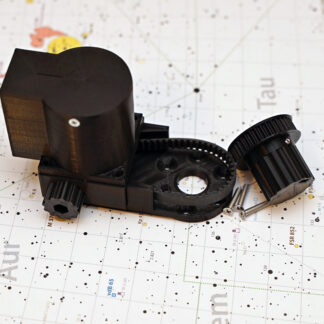 Focusing motor for Celestron SCT / Edge HD / SW Mak telescopes299.00 zł incl. Vat
 -
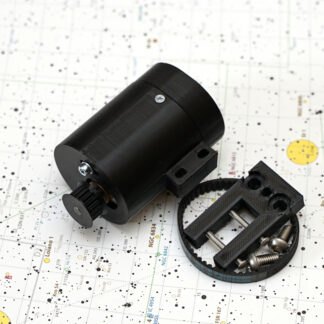 Focusing motor for Baader Steeltrack / Diamondtrack focusers289.00 zł incl. Vat
 -
 High power focuser motor with 1:120 reduction329.00 zł incl. Vat
 -
 1:20 focusing motor with microfocuser mounting plate299.00 zł incl. Vat
📦 Previous Generations – FocuserOne v1 and v2
Earlier FocuserOne controllers provide USB and manual control of unipolar and bipolar focusing motors. They feature a DB9 motor connector with Robofocus/Moonlite-compatible pinout, an OLED display, and full-step, half-step, 1/8 and 1/32 microstepping modes.
An optional temperature and humidity sensor enables linear temperature compensation. The dedicated FocuserOne Panel provides a compensation calculator, charts and data logging. ASCOM and INDI drivers are available.
FocuserOne v2 also supports rotator mode, using a dedicated ASCOM rotator driver.
These versions use a 12V DC supply and support up to 1.5A motor current and 1.0A holding current.
📥 FocuserOne v1 and v2 – Legacy Software and Downloads
The table below contains software and documentation for earlier FocuserOne versions and other legacy devices.
Identifying your version: FocuserOne v1 has a horizontally oriented sensor socket; v2 has a vertically oriented sensor socket. Use FocuserOne Panel 1.2.0 for v1 and Panel 2.4.1 for v2.


Latest software and downloads
| AstroLink 4 mini S | AstroLink 4 USB | Focuser One | Focuser Link |
|
|---|---|---|---|---|
| Panel application | 4.2.3 | 4.8.0 | 2.4.1 (v2 only) | 1.0.0 |
| ASCOM driver | 3.2.10 | |||
| ASCOM driver #2 | N/A | 3.2.10 #2 | ||
| Firmware | 4.2.0.1 | 20240715 ( Firmware uploader 1.0.5) |
||
| Documentation | ||||
| Tutorials | YT | YT | ||
| Enclosure model | STL | STL | ||
| INDI driver | INDI | INDI | INDI | INDI |
| Other | Rotator driver | |||
| FTDI drivers | FTDI Virtual COM Port Drivers | |||
| CP210x drivers | Silicon Labs Virtual COM Port drivers | |||
| USBTreeView tool | https://www.uwe-sieber.de/usbtreeview_e.html | |||
| Software/firmware changelog | ||||
FocuserOne control panel 1.2.0 (for revision 1.0 *)
*) revision 1.0 has sensor socket oriented horizontally. Revision 2.0 has a sensor socket oriented vertically
If you look for a more advanced and feature-rich device, please take a look at the AstroLink page.


